

Uzbekistan’s First Highway Is Coming Soon
From Urgench to Khiva in 17 minutes

Uzbekistan’s first toll road will connect Urgench International Airport, the city of Urgench and Khiva — making the journey faster, easier and more comfortable. The new four-lane road will reduce travel time from around 60 minutes to just 17 minutes and will include two service stations along the route.
Everything You Need to Know About the New Toll System
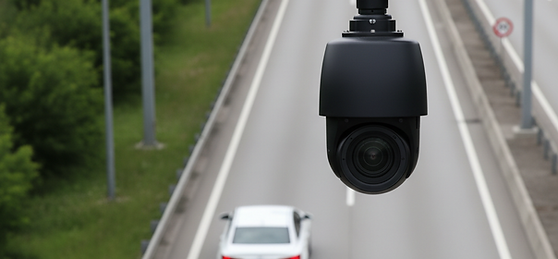
Free-flow tolling
The new road will operate as a toll road, with a simple, fully automated payment system. There will be no need to stop at toll gates or pay during your journey. Cameras will automatically recognize your vehicle and the toll will be charged to your account.
Before your first journey

1. Create your account
Register online and add your vehicle.

Top up your credit before entering the toll road.
2. Add credit

3. Drive
That’s it. Get in your car and enjoy the journey.
How does the toll work?
When you enter the toll road, cameras automatically detect your vehicle’s licence plate and vehicle category.
When you leave the toll road, the correct toll is calculated according to your journey and vehicle category.
The toll is then automatically deducted from your available credit.
What happens if I don’t have enough credit?
You can still complete your journey. If there is not enough credit to cover the toll, the unpaid journey will be recorded and linked to your vehicle. You then have 15 days to pay the outstanding toll. You can check and pay any outstanding amount through the Self-Service Portal. If the amount is not paid within the required period, the case may be transferred to the enforcement system and an additional fine may apply.
Everything you need in one app
Self-Service Portal gives you a simple way to manage everything related to your toll account.
View Journey History
View Invoices
Pay Outstanding
Report Incidents
Driving a borrowed or rental car? Top up without an account.
If the vehicle is already registered in the toll system, you can add credit without creating your own account. Simply enter the vehicle’s licence plate number in the Self-Service Portal and select the amount you wish to add.